WSOP Free Chips Not Working
WSOP free chips not working is one of the most common complaints we see from players every single day.
You grab a link, tap it, and nothing happens, or you get an error message that makes zero sense. It’s frustrating, especially when you just want to sit down and play.
The good news is that most of these problems have simple explanations and easy fixes.
This page covers all the main reasons a WSOP chip link might fail and what you can do about each one. We’ll go through everything step by step.
Most people are back up and playing within a few minutes once they know what to look for.
Why Your WSOP Free Chips Link Might Not Be Working
Before you assume something is broken, it helps to understand how these links actually work. Every free chip link on sites like this one points to wsopga.me, the official WSOP redeem page.
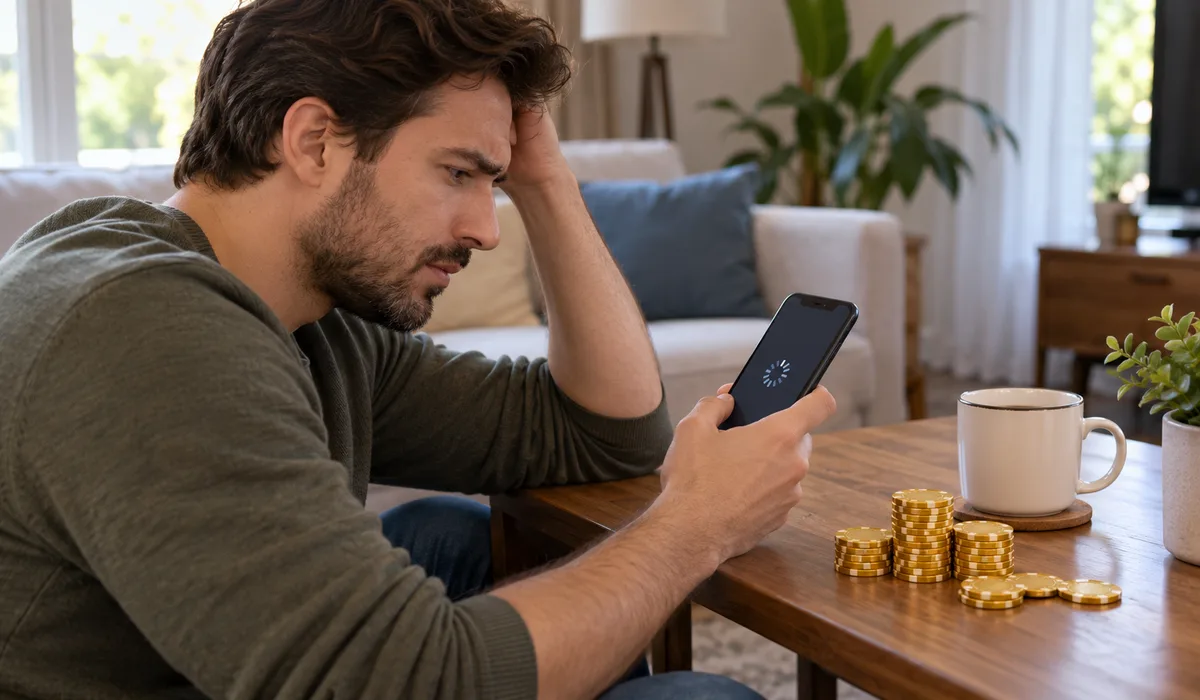
When you tap the link, it opens that page and credits your account automatically, but only if a few conditions are met.
You need to be logged in, the link has to be active, and you can’t have already claimed that same reward.
If any of those things are off, the link won’t go through. It’s a pretty tight system, which is why small things trip people up.
The Link Already Expired
This is the number one reason chips don’t come through. WSOP reward links are not permanent.
They stay active for roughly 3 days from when they’re first published, sometimes less if Playtika sets a shorter window.
After that, the link is dead and there’s no way to revive it.
If you’re bookmarking old links or clicking something a friend sent you a week ago, that’s almost certainly why it’s not working. Always grab links from a fresh source.
Check the daily links page here and make sure the post date is recent before you bother clicking.
You Already Claimed That Reward
Each WSOP free chip link is one claim per account. Full stop.
Once you’ve redeemed a specific link, the system logs it and won’t let you collect it again, not from the same account anyway.
A lot of players forget they already grabbed a link a day or two ago, try it again, and then think it’s broken.
If the link opens and shows a message like “already claimed” or just doesn’t add chips, this is probably why.
The fix here is just to move on and grab a new link. There’s a fresh set posted every day on the WSOP daily bonus page, so you won’t be waiting long.
Common Technical Reasons WSOP Chips Won’t Load
Sometimes the problem isn’t the link at all, it’s something on your end. Here are the most typical technical issues people run into, along with what to do about each one.
| Problem | Likely Cause | Quick Fix |
|---|---|---|
| Link opens but no chips added | Not signed in to WSOP | Log in first, then retry |
| Page loads then crashes | App needs an update | Update WSOP from your app store |
| Link does nothing at all | Weak or no internet | Switch to Wi-Fi or reset connection |
| Error on redeem page | Wrong app or wrong account | Check you’re using official WSOP by Playtika |
| Reward not available in region | Region or account limit | Contact WSOP support |
A bad internet connection trips up more people than you’d think. The redeem page needs a stable connection to communicate with the WSOP servers.
If your signal is spotty, the request might go halfway and fail silently. Try switching from mobile data to Wi-Fi or the other way around, then click the link again fresh.
Wrong App or Wrong Account
There are a few poker apps floating around that use the WSOP name or look similar.
The only one these links work with is the official WSOP, Poker Texas Holdem app made by Playtika.
If you downloaded a different version or a knock-off, the redeem system won’t recognise your account at all. Also double-check that you’re signed into the right account.
Some people have two accounts on different devices and click the link while logged into the wrong one. Make sure your account is fully logged in before tapping any link.
The how to redeem WSOP free chips guide walks through this in detail if you want a step-by-step.
App Updates and Region Limits
Running an outdated version of the WSOP app can cause redeem links to fail. Playtika pushes updates regularly and sometimes the older app versions lose the ability to process reward links properly.
Head to your app store and check if there’s an update waiting. It takes two minutes and solves this problem a lot of the time.
On top of that, some rewards are limited by region or by account type.
Newer accounts sometimes can’t claim certain links, and players in specific countries may find certain promotions aren’t available to them.
If you’ve tried everything else and still can’t claim, this might be why.
When Nothing Else Works: Contact WSOP Support
If you’ve checked all of the above and your chips still aren’t showing up, it’s time to reach out to the official WSOP support team directly through the app or Playtika’s website.
Don’t waste time trying the same link over and over. When you contact support, be specific, tell them which link you tried, what error you saw, and what device you’re on.
That speeds things up a lot. They can check your account history and see exactly what happened.
This site is a fan site and we can’t access your account or fix technical issues on Playtika’s end.
For everything else though, including finding working links and WSOP free chips codes, we’ve got you covered.
Final Thoughts
Most of the time, WSOP free chips not working comes down to one of a handful of simple things, an expired link, a login issue, or an app that needs updating.
Work through the list above and you’ll usually find the answer pretty fast.
Bookmark the daily links page so you always have fresh links ready to go, and check back often because new ones get posted every day.
If a link doesn’t work, don’t stress about it. There’s always another one coming.